x



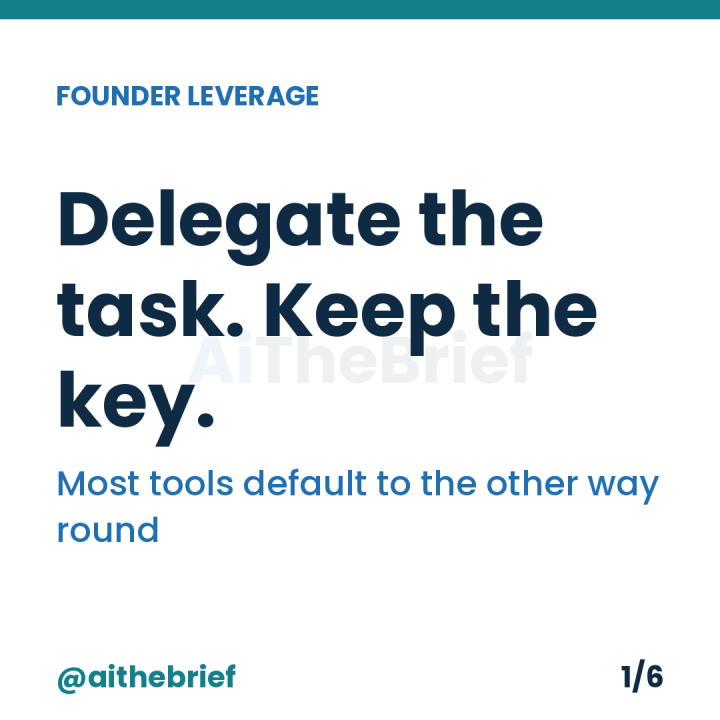
Almost nobody chooses it. It's the default, and defaults are the entire problem.
Most consumer-grade integrations offer one connection button, not a menu of scopes. "Connect to [accounting platform]" typically means full account access, because building a narrower option costs the vendor engineering time that a bigger customer would demand and a solo founder rarely thinks to ask for. The onboarding SOP this newsletter recommended for a first AI hire back in July assumed you'd write the job description before granting access. Most tools skip that step for you and grant everything up front, on the theory that you'll narrow it later. You won't, unless you go looking — which is the entire reason this week exists.
Ask one question about each connection from Tuesday's audit: if this tool's account were compromised right now, what is the worst thing someone could do with the access it's holding?
If the honest answer matches the job — "read three months of invoices" for an invoicing assistant — you're looking at a task grant. If the honest answer is bigger than the job — "empty the account, delete records, message every client" for the same invoicing assistant — you're holding a master key for a task grant's job, and the gap between those two answers is exactly what Wednesday's scope-note sentence is built to surface.
More possible than most founders assume, and getting more possible by the month. Google, Microsoft and most major platforms now offer scoped OAuth permissions — read-only calendar instead of full calendar, specific folders instead of the whole Drive — precisely because enough of their business customers demanded it. The scoped option is often one settings screen deeper than the default, not absent.
Where a genuinely granular option doesn't exist yet, the fallback is structural rather than technical: use a separate account or workspace for the AI-connected version of a tool, holding only the data that task needs, rather than connecting the agent to your main account and hoping it behaves. This is the same logic as giving an AI-drafted quote before the work starts rather than an open-ended budget — bound the exposure before the task begins, not after.
Less than the audit itself, because you're not re-granting access to everything — only narrowing the handful of connections where Tuesday's list and Wednesday's sentence showed a real gap. Most tools, most of the time, are already scoped close enough to their job that this exercise confirms rather than changes anything — which is worth knowing, because it means the fix is targeted, not a rebuild of your entire stack.
Tomorrow's post turns this from a one-off correction into a habit, so a master key doesn't quietly regrow the next time a tool updates its permission model.
For the guide that finds every place AI already touches your business — free, 5-min read: The 10-Hour Audit.
Related Decodes
AI the Brief (@aithebrief) — AI advice you can act on and trust, for time-starved founders.
Not financial or legal advice. Permission model options vary by platform and change without notice; check the live settings before treating any of this as current.
TL;DR: A task grant gives an AI tool the narrowest access its actual job needs; a master key gives it everything the connection option happened to include, whether the job needs it or not — and most consumer integrations default to the master key because building a narrower option costs the vendor more than most solo customers think to demand. Test any connection with one question: if it were compromised right now, would the worst-case damage match the job, or exceed it? Where it exceeds it, look for a scoped permission option (increasingly available on major platforms) or use a separate, limited account for the AI-connected version of a tool. Most connections, checked honestly, turn out close enough to their job already — the fix is targeted narrowing of the few real gaps, not a rebuild of the whole stack.