x
Black Bar Banner 1
x

NEW: About Me Look — turn on a full-width dark About Me from your profile Configuration (Profile Page Upgrade). The Academy, profile feeds and Media Feed now read like the News Feed. See Subscriptions »

New: AI Blog Autopilot — free for the next 30 days. Switch it on by November 15th »

NEW: Smart Mail is live — free for every member. Send broadcasts, build lists and run autoresponders. Open Smart Mail »

New training: The Campaign Map. Watch it now »

A+ A−
Ads by Markethive - View All
The Blog Feed
The Blog Feed
» Blog Feed
Write a New Blog Post
Search Blog Status
Most Viewed
Most Recent
Most Shared
Alphabetical
Markethive Blog (default)
My Blog Posts
Friends' Blogs
Blog Categories
All
Advertising
Blockchain & Cryptocurrency
Business Development
Diet & Weight Loss
Environmental
Health and Wellness
History and Culture
Home and Garden
Marketing
Mentoring & Training
Money & Finance
Other
Political
Prayer & Religion
Programming & Technical
Real Estate
Search Engine Optimization
Social Media
Spirituality
Sports & Recreation
Transport
Travel & Events
Website Design
Blogging Tools & Assets
My Blog Info
Members Subscribed to You
Blogs You Are Subscribed To
Website Widget
Wordpress Plugin
Subscribe for Greater Services
Subscribe to one of many subscriptions, each one includes the previous ones.. Unlock powerful tools, advance features, to build a powerful reach.

WhatsApp : How to message someone without adding them to your contact list

Posted by Melody Christie on December 10, 2021 - 1:14pm Edited 12/10 at 1:24pm


WhatsApp is a free, multi-platform messaging app that lets you make video and voice calls, send text messages, etc and they have 2 billion users.

As popular as WhatsApp is, have you ever found yourself in a situation where you needed to message someone (like a delivery person) but did not want to save them to your contacts list? Well, this tip is for you. It works for registered WhatsApp numbers on both Android and iOS devices.

Here's how.
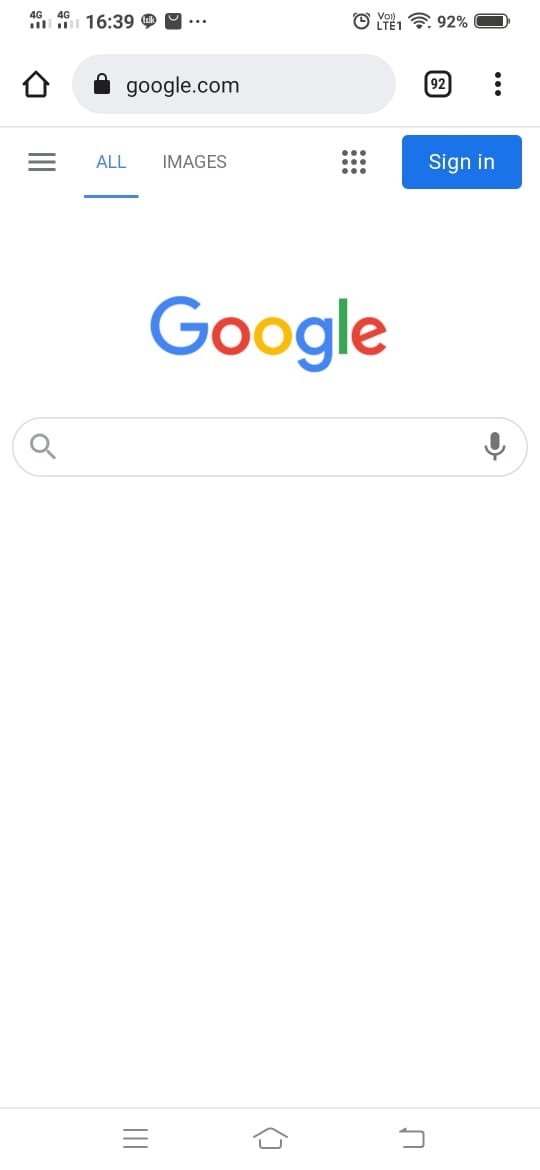
  1. Open the browser of your choice.


  2. Go to https://wa.me/phonenumber.
    You need to replace the words "phonenumber" with the registered WhatsApp mobile number you want to chat with.
    The number must include the country code, example https://wa.me/13054575555
    In the example above, the country code is '1' for America followed by the person's WhatsApp number.


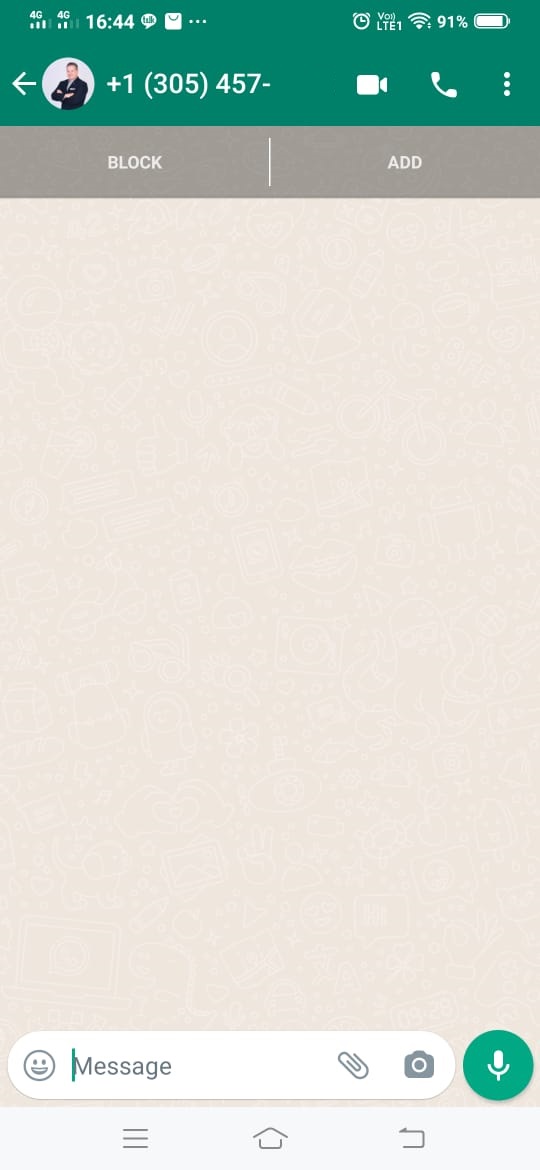
  3. If the person's WhatsApp chat appears, just start chatting.
    If you are presented with a green message button instead, click the button to start chatting.

That's all there is to it. Happy chatting! :)