x




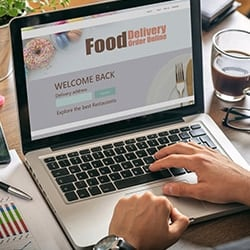
Once you choose the items that are going on your delivery menu, make sure that your ordering process is simple and easy to use.
Most customers who are interested in ordering food for delivery will begin their search online. They will be looking for the following:
In anticipation of your customers’ searches, try adding your delivery menu and ordering capabilities either through your restaurant’s website or by using a third-party delivery company’s site, like Grubhub, Uber Eats, or DoorDash.
Hungry customers typically won't have the patience to skim through a long menu of options, so it’s important to keep your delivery menu short and to the point. That means selecting a maximum of 15 to 20 of your best-selling, easily transportable dishes for your take out menu. Once you have picked your offerings, break them up into categories to make your menu easy to navigate.
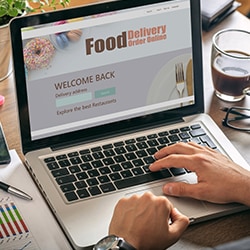
If your online menu is the only interaction your customer is going to have with your business, you’ll want to make sure that menu is a good representation of your restaurant. Here are some menu design ideas to spruce up your delivery menu:
Nothing is more disappointing for a customer than finding out the food item they set their heart on is no longer available. This can cost you an entire sale. To prevent disappointment, designate a staff member to monitor the online menu and update it in real time depending on your supplies. If you run out of ingredients to make a menu item, immediately pull it from the menu so customers can’t accidentally order it.
If you have recently added a delivery service to your restaurant or are looking to add one as the foodservice industry adapts to the coronavirus, you can use these tips as a guide to structure your menu during these uncertain times
 .
.