x




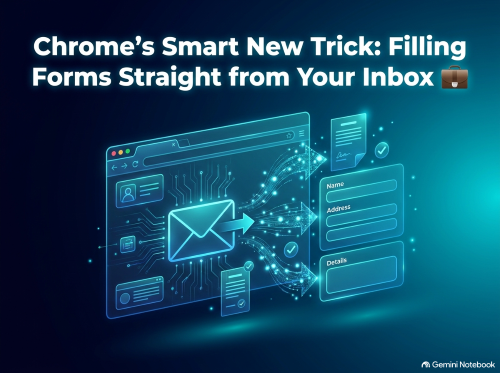
We have all been there: you are in the middle of completing an online form, and suddenly you need a confirmation code, a long order reference number, or exact flight details. That usually means pausing what you are doing, opening a new tab, logging into your inbox, searching through old emails, and laboriously copying and pasting strings of numbers.
Google is aiming to eliminate that friction entirely with its latest update to the Chrome web browser. By integrating its Gemini artificial intelligence assistant directly into Chrome’s form-filling engine, the browser can now dig into your inbox to locate relevant information and suggest it right when you need it. As announced in Google’s official release, this new capability—known as enhanced autofill—marks a significant shift in how web browsers interact with personal data to streamline everyday online tasks.
For years, browser autofill has been limited to static details that you explicitly saved in your settings: your full name, postal address, email, and payment card numbers. While helpful, standard autofill was never able to parse dynamic information stored across your personal communications.
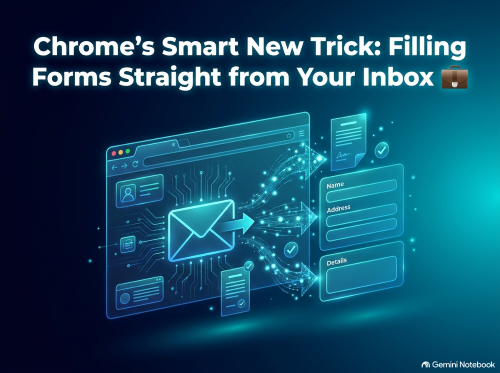
The new enhanced autofill feature changes that dynamic completely. As reported by Decrypt, Chrome can now surface dynamic pieces of information stored inside your Gmail messages, such as e-commerce order numbers, parcel tracking links, and airline flight booking references. When a web form asks for an order ID or flight confirmation, Chrome uses AI to spot the context and offers to fill in the exact details automatically.
Currently rolling out across the United States on desktop platforms as well as Android and iOS devices, the feature is available to users who have Gemini enabled alongside Google's broader Personal Intelligence tools.
At the heart of this feature is Google's push towards deeper AI integration across its product ecosystem. Known as Personal Intelligence, this architecture allows Gemini to act as a contextual layer connecting your various Google applications—including Gmail, Google Photos, and Google Docs.
Rather than relying on generic search queries, Personal Intelligence is designed to understand your personal context. According to details on Google’s Personal Intelligence expansion, the system connects the dots across your accounts so you can troubleshoot tech hardware using receipts in your inbox or retrieve travel details without searching through months of messages. In Chrome, this means the browser actively anticipates what information a form requires by referencing your personal records in real time.
Naturally, granting an AI assistant permission to read through your email inbox raises immediate questions about data privacy and digital security. Google has addressed these concerns by stating that all sensitive data processed by enhanced autofill remains fully encrypted. Furthermore, the company clarifies that Gemini and its AI models do not train directly on your private Gmail messages or photo libraries.
Crucially, users retain complete control over whether the feature is active. Enhanced autofill relies on Personal Intelligence being toggled on within Chrome settings. If you prefer not to let the browser look through your inbox, you can simply turn the integration off or manage specific connected applications at any time through your Google Account settings.
Despite Google’s security assurances, the feature arrives during a period of heightened scrutiny regarding how technology giants handle personal data for AI features. Last year, Google faced significant user pushback over default settings within its Smart Features system, as covered in Decrypt’s report on the Gmail settings backlash. Many users expressed frustration when they discovered that routine email scanning was enabled by default across Workspace products without explicit prior notice.
Adding to the conversation, Google recently updated its privacy terms. As detailed in Decrypt’s coverage of Google’s privacy policy update, the company introduced an exception to its long-standing pledge regarding inbox data: whilst email content is not used for ad targeting by default, connecting Gmail or Photos to AI services that support personalised experiences can allow that data to inform ad recommendations.
For users, this highlights an ongoing trade-off between seamless digital convenience and personal privacy boundaries.
Chrome’s enhanced autofill represents a clear move towards proactive, agentic web browsing—where software doesn't just display web pages, but actively helps you complete tasks with minimal effort. For those who frequently shop online, manage travel schedules, or deal with customer support forms, the time saved by eliminating inbox searches will be a welcome relief.
However, as AI becomes further embedded into our daily digital workflows, staying informed about your privacy settings and understanding how your personal data is handled remains as important as ever. Whether you embrace the convenience or prefer to keep your inbox separate from your browser, the choice ultimately remains in your hands.
Disclaimer: This article is provided for informational purposes only, mistakes may be made, and it's not offered or intended to be used as legal, tax, investment, financial, or any other advice.