x




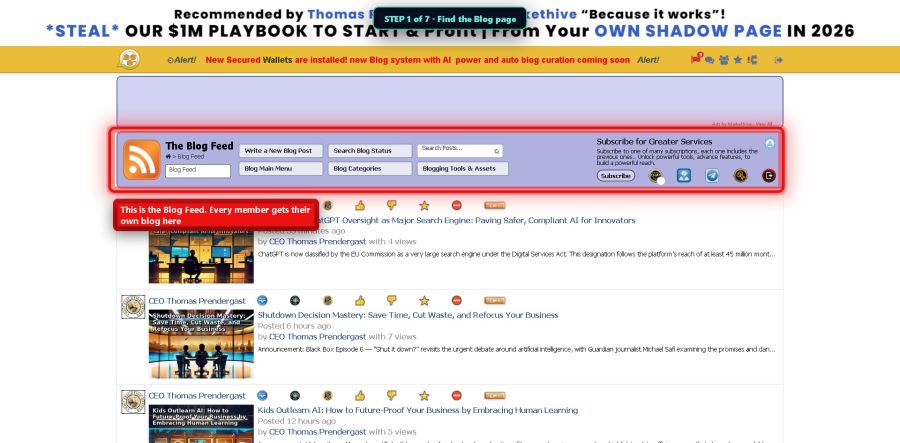
Seven little steps. Real pictures of the real screen. The red ring shows you exactly where to click.
Hi, I'm Chris — the Chief Technology Officer here at MarketHive. Here's something most members don't know: MarketHive gives you a real blog. Not a post that disappears down a feed — a web page with your name on it that search engines can find. This guide shows you how to use it.
Go to markethive.com/blogs. This is the Blog Feed — stories from members all over the Hive. Yours will live here too.
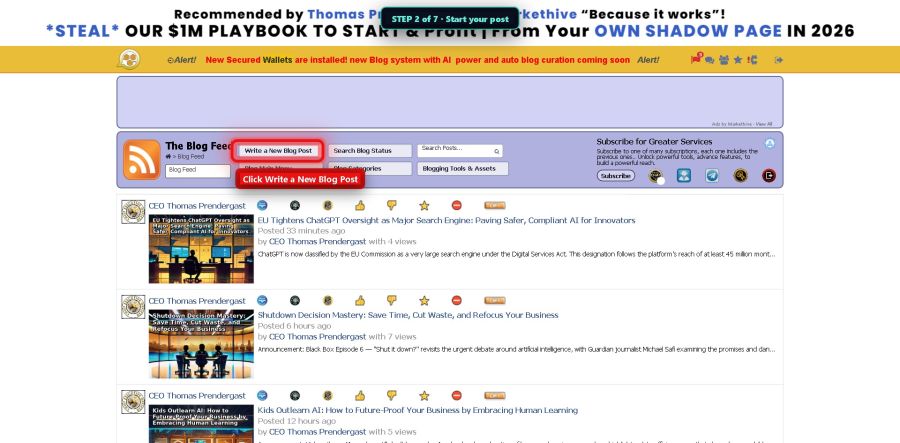
Click the button that says Write a New Blog Post. A fresh page opens up, ready for you.
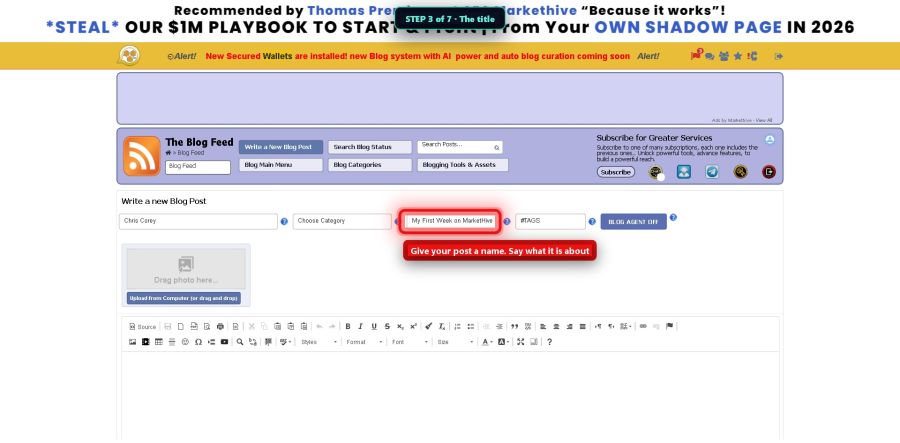
Say what your story is about in a few words. Something like My First Week on MarketHive. Simple and honest works best.
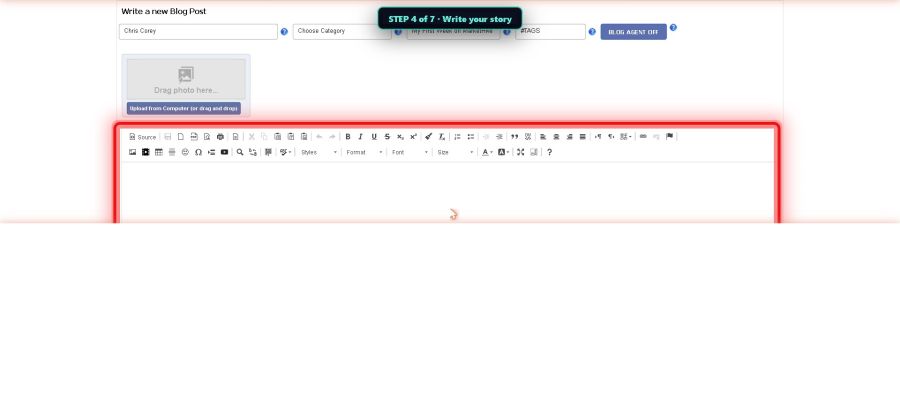
The big white box is yours. Talk like you talk. A few honest paragraphs beat a fancy essay every time. Tell people what you did, what you learned, or what you're building.
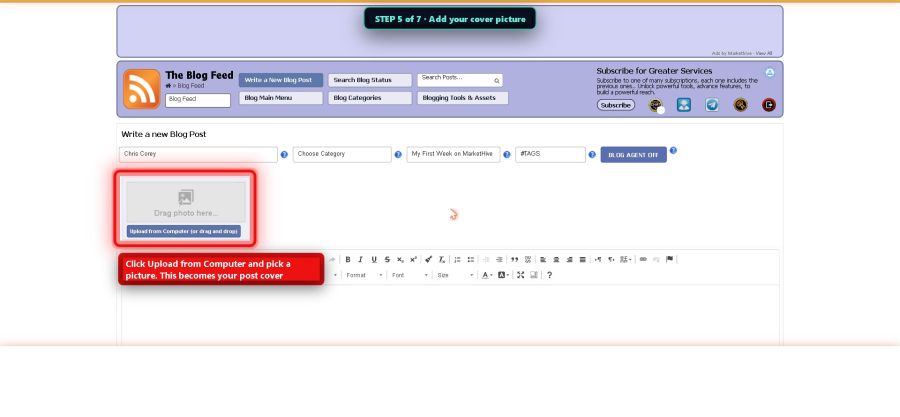
Click Upload from Computer and pick a picture. This becomes your post's cover, and posts with pictures get far more readers.
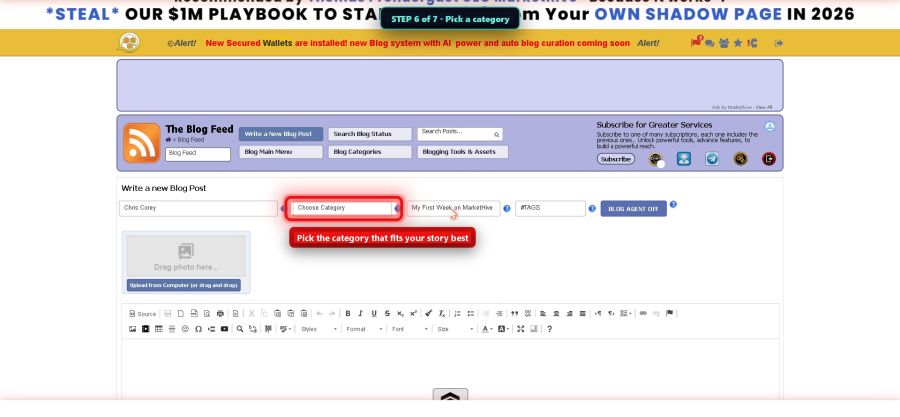
The little menu called Choose Category tells MarketHive what your story is about, so the right people can find it. Pick the one that fits best.
Click the blue Publish button. Here's the best part: your story is now a real web page on the internet, with its own address. Google can find it. You can share the link anywhere — email, Facebook, a text message. It works for you around the clock.